
4 Small Business Payroll Software Tools Worth Considering

Managing payroll is one of the most important responsibilities for any small business. From calculating wages and taxes to paying employees on time, payroll processes must be accurate, compliant, and efficient. Using dedicated payroll software helps automate these tasks, reduce errors, and save valuable administrative time.
Below are four payroll software tools that small businesses commonly use to simplify payroll management and stay organized.
TMetric
While primarily known as a time tracking tool, TMetric is also small business payroll software that helps manage payroll by accurately tracking billable hours, employee attendance, and project time.
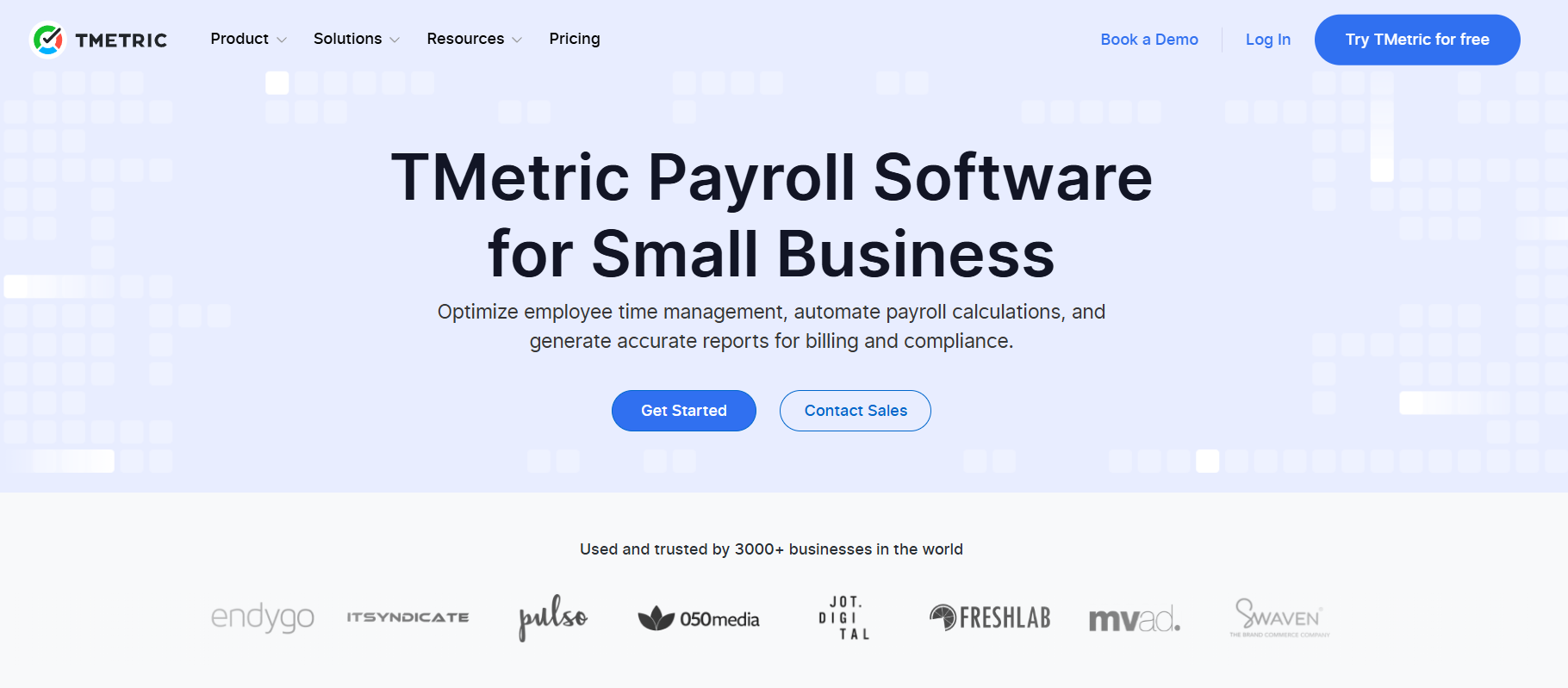
The platform allows teams to log time spent on tasks and projects, which can then be used to calculate employee payments or generate reports for payroll processing. Businesses that rely on hourly workers, freelancers, or project-based teams benefit from having precise time data linked directly to payroll calculations.
TMetric also includes features like reporting, project budgeting, and integrations with productivity tools. By combining time tracking with payroll-related insights, it helps business owners ensure employees are paid accurately based on actual working hours.
Gusto
Gusto is one of the most popular payroll platforms for small businesses thanks to its user-friendly interface and comprehensive HR features. It combines payroll processing, tax filing, and benefits management into one cloud-based platform.
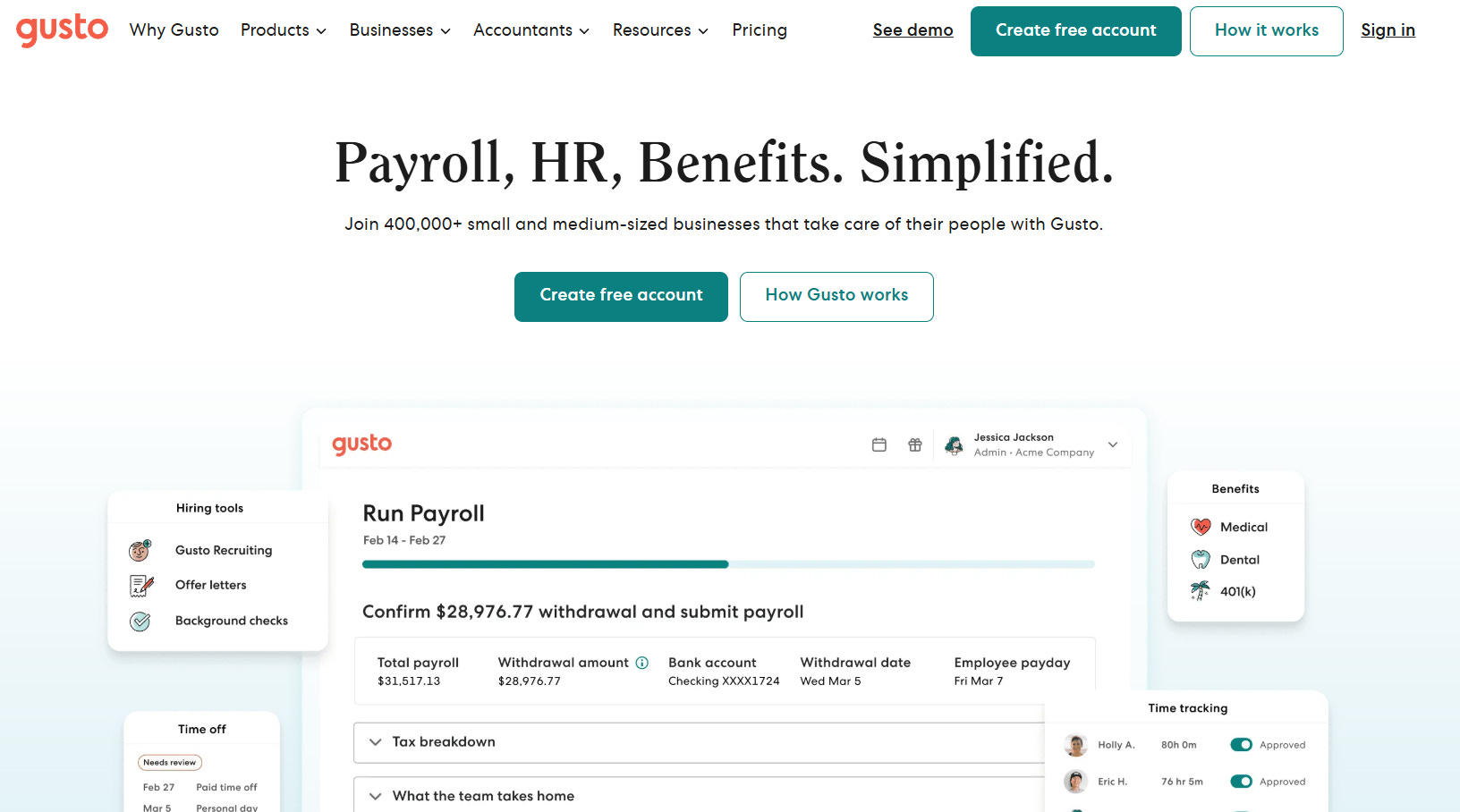
The software automates payroll calculations and tax filings while offering direct deposit options and employee self-service portals. Employees can access their pay stubs, update personal details, and manage benefits without needing help from HR.
For small teams that want an all-in-one HR and payroll solution without complicated setup, Gusto provides a strong balance between ease of use and functionality.
QuickBooks Payroll
QuickBooks Payroll is a natural choice for businesses already using QuickBooks for accounting. Because payroll is tightly integrated with the accounting system, it allows companies to keep financial records and employee payments synchronized.
The software supports automated payroll runs, tax calculations, and tax filings. Direct deposit and employee self-service portals help simplify payroll administration, while reporting tools allow business owners to monitor payroll expenses and financial performance in one place.
QuickBooks Payroll is particularly useful for small businesses that want payroll and bookkeeping in the same ecosystem. This integration reduces manual data entry and helps maintain accurate financial records.
OnPay
OnPay is known for offering straightforward payroll functionality with transparent pricing, which makes it appealing to small businesses looking for a simple solution.
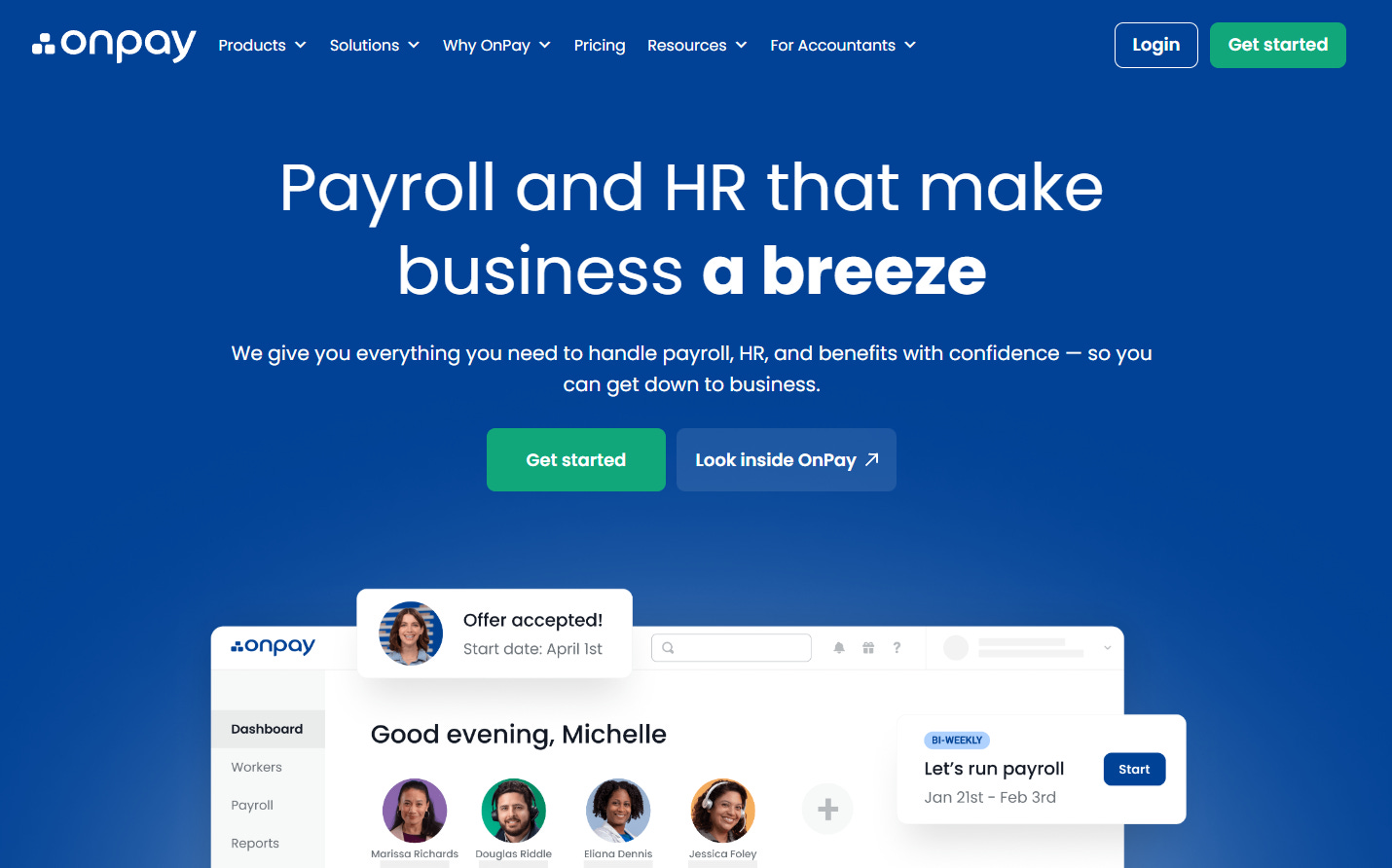
The platform handles payroll processing, tax filings, and employee onboarding from one dashboard. It supports multiple pay schedules, W-2 and 1099 payments, and multi-state payroll: features that are especially helpful for growing businesses or teams with contractors.
OnPay also includes HR tools such as document storage, PTO tracking, and employee self-service access. Because of its flat-fee pricing model and ease of use, it’s often considered a cost-effective payroll option for small teams.
Final Thoughts
Payroll software helps small businesses reduce administrative workload and avoid costly payroll errors. Whether you need full-service payroll automation or a reliable system for tracking employee hours, the right tool can make payroll management far more efficient.
Platforms like Gusto, QuickBooks Payroll, and OnPay focus on complete payroll processing and compliance, while tools like TMetric complement payroll systems by providing accurate time tracking data that supports fair and transparent compensation.
Choosing the right solution ultimately depends on your business size, payroll complexity, and whether you need additional features such as HR management or time tracking.