
Best Employee Scheduling Software Tools for Workforce Management

Employee scheduling can be deceptively complex, especially when you’re juggling shift coverage, time-offs, team availability, and labor costs. Fortunately, there’s a growing set of dedicated tools that take the pain out of planning and help you keep your workforce on the same page.
Below I’ve rounded up some of the best employee scheduling software options available. Whether you’re leading a small team or managing a larger workforce, these platforms are worth exploring.
What Makes a Great Scheduling Tool?
Before we dive in, here are the core capabilities top scheduling tools tend to offer:
Automated schedule creation - build shifts faster and reduce conflicts
Shift swapping & requests - easy for employees, less admin for you
Mobile access - keep your team connected on the go
Time tracking & payroll integration - avoid double entry headaches
Notifications & reminders - ensure everyone knows their schedule
These features save time, step up accuracy, and eliminate the spreadsheets most of us love to hate.
Top Employee Scheduling Software
TMetric: Unified Scheduling + Time Management
Best for: Teams that want a combined employee scheduling software and time tracking solution
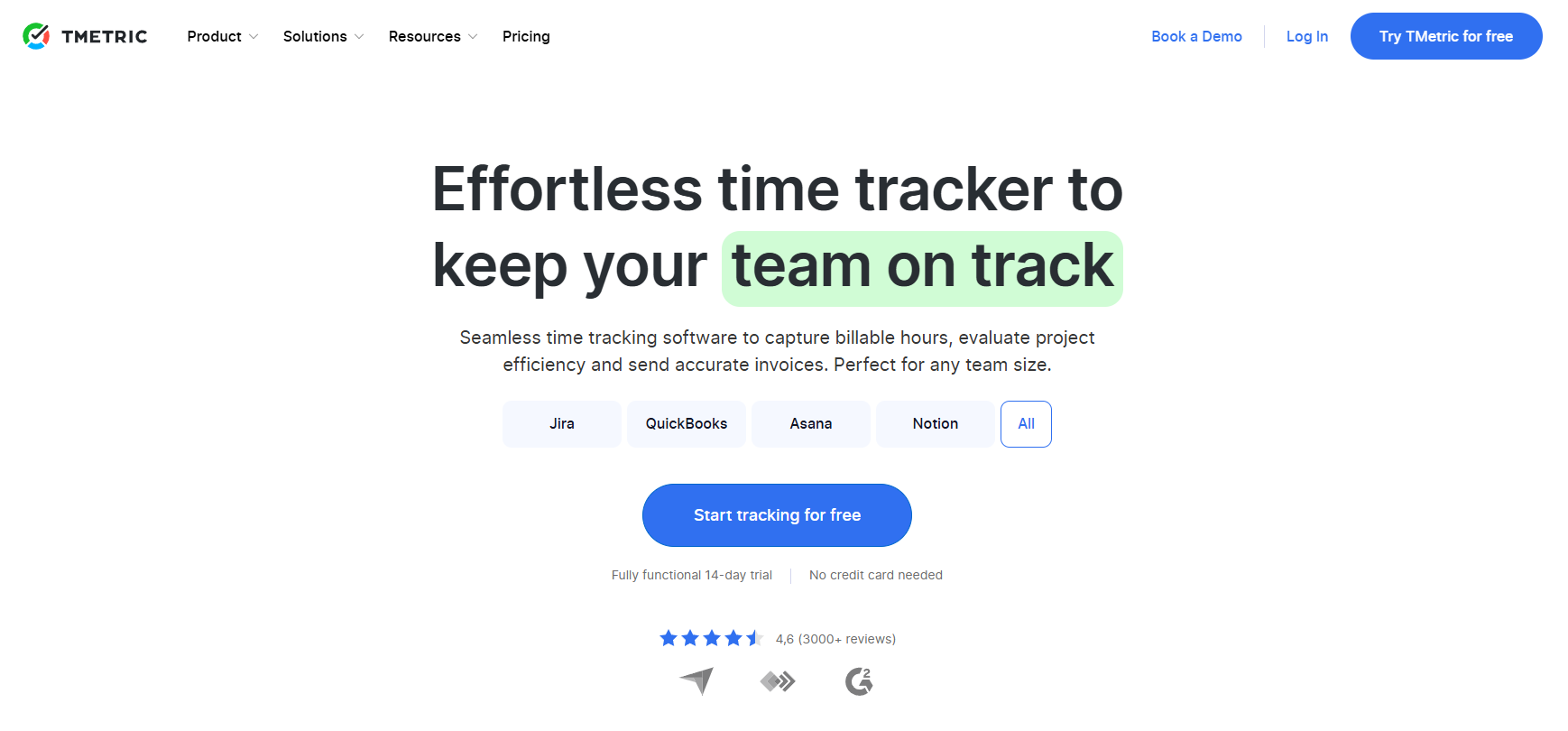
TMetric goes beyond basic scheduling by linking shifts with time tracking and reporting. With flexible schedule templates, calendar views, and integrations with project and HR tools, it’s ideal for teams that want visibility into both who’s working and how time is spent. It’s simple to set up and works across desktop, web, and mobile.
When I Work: Simple, Effective Shift Planning
Best for: Hourly teams like retail, service, and hospitality
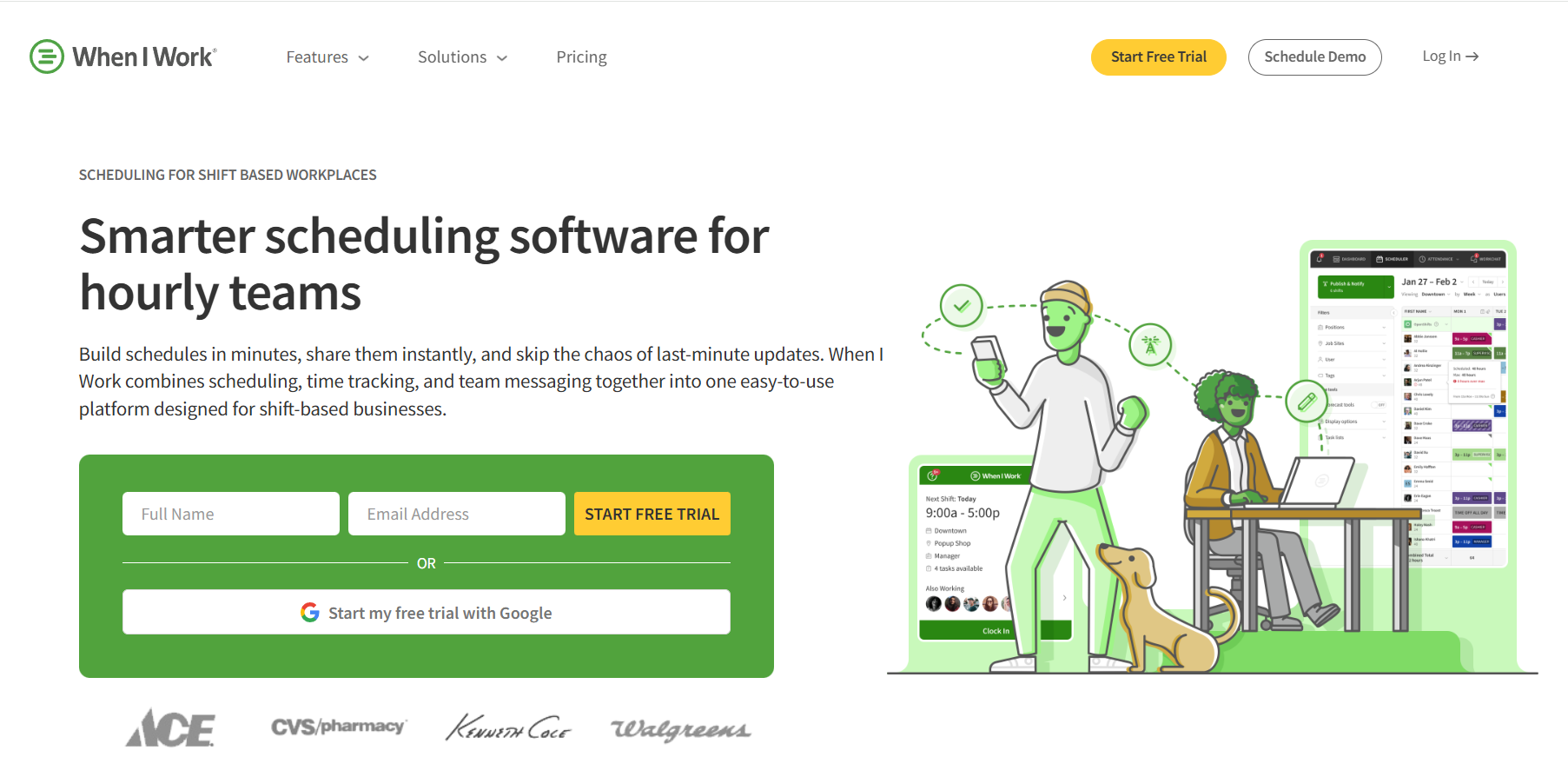
When I Work is known for its friendly interface and effortless shift management. You can build schedules in minutes, manage availability, and let employees request swaps or time off right from their phones.
Deputy: Smart Scheduling With Compliance
Best for: Businesses that need scheduling with compliance controls
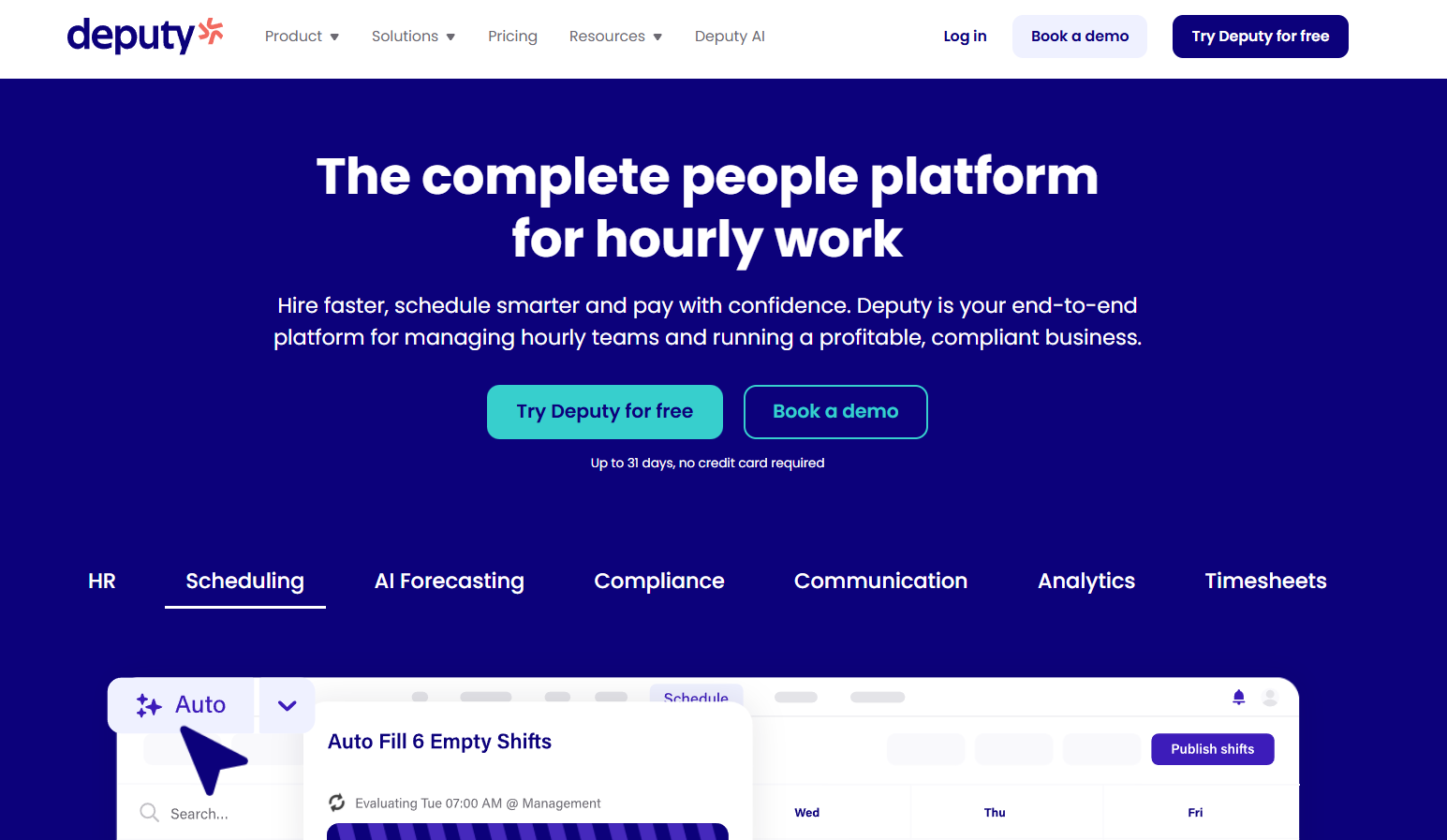
Deputy is a robust platform with auto-scheduling capabilities that factor in labor rules, costs, and time off policies. It’s a strong choice if you’re looking to reduce scheduling conflicts while staying aligned with payroll and HR workflows.
Connecteam: Scheduling for Deskless Workforces
Best for: Mobile and frontline teams
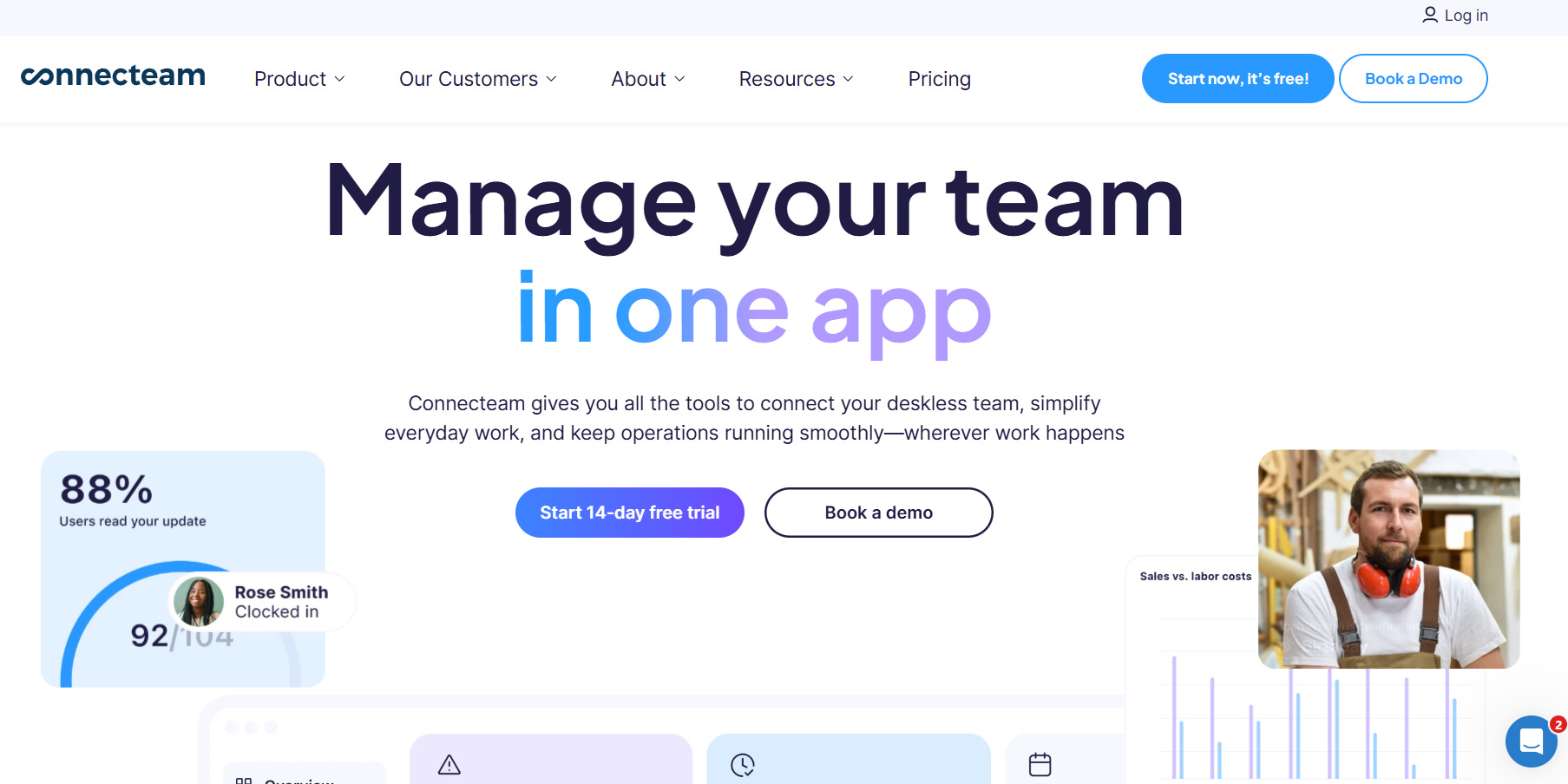
Connecteam blends scheduling with team communication, checklists, and task management. Its all-in-one nature makes it particularly useful for teams without a central office: field technicians, retail associates, and service staff all benefit from its mobile-first approach.
Homebase: Easy Start for Small Businesses
Best for: Small teams and local businesses
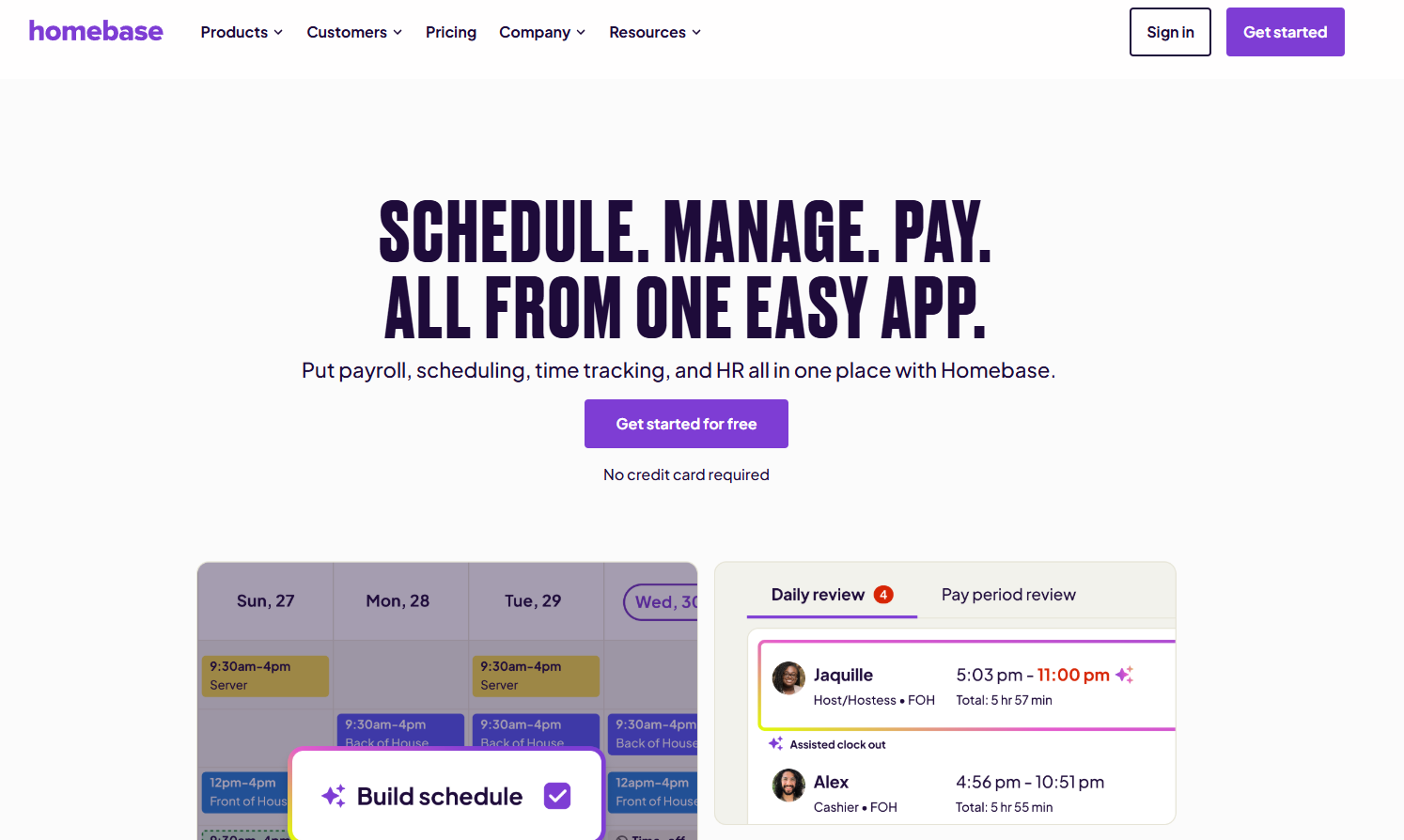
Homebase makes scheduling approachable with a free plan and straightforward tools. You get shift planning, a time clock, simple reports, and basic notifications: ideal if you’re just getting started and don’t need dozens of advanced features.
Choosing What’s Right for You
There’s no one-size-fits-all here - the best employee scheduling software will match the size of your team and how you work:
Small teams might favor simplicity and low cost
Larger teams might need automation and labor compliance
Mobile teams benefit from strong app support
Integrated teams get extra value when scheduling ties to payroll and time tracking
Final Thoughts
Employee scheduling doesn’t have to be a spreadsheet nightmare. The right software frees up hours each week, improves coverage, and gives your team clarity on their commitments. From flexible all-around solutions to tools built for specific needs, there’s something for every workflow.
👉 Ready to simplify scheduling and track time in one place? Try TMetric and streamline your team’s workflow.