

Tracking time isn’t just about punching a clock; it’s about understanding where work happens, how projects perform, and how teams (or solo pros) can make every minute count. The right timesheet app turns scattered hours into accurate records, smart reports, and better decisions without stress.
Below is our curated list of top-rated timesheet apps across different needs, tested, compared, and ranked to help you choose the best fit for your workflow.
What Makes a Great Timesheet App?
The ideal timesheet app should be:
Easy to use — intuitive entry (timer or manual).
Flexible — supports different work styles (projects, clients, tasks).
Integrated — connects with your calendar, project tools, or billing apps.
Transparent — gives clear reports, summaries, and export options.
Accessible — available across desktop, mobile, and web.
Now, let’s jump into the best options for this year.
TMetric → Best Overall Timesheet App for Teams & Freelancers
Time management made effortless
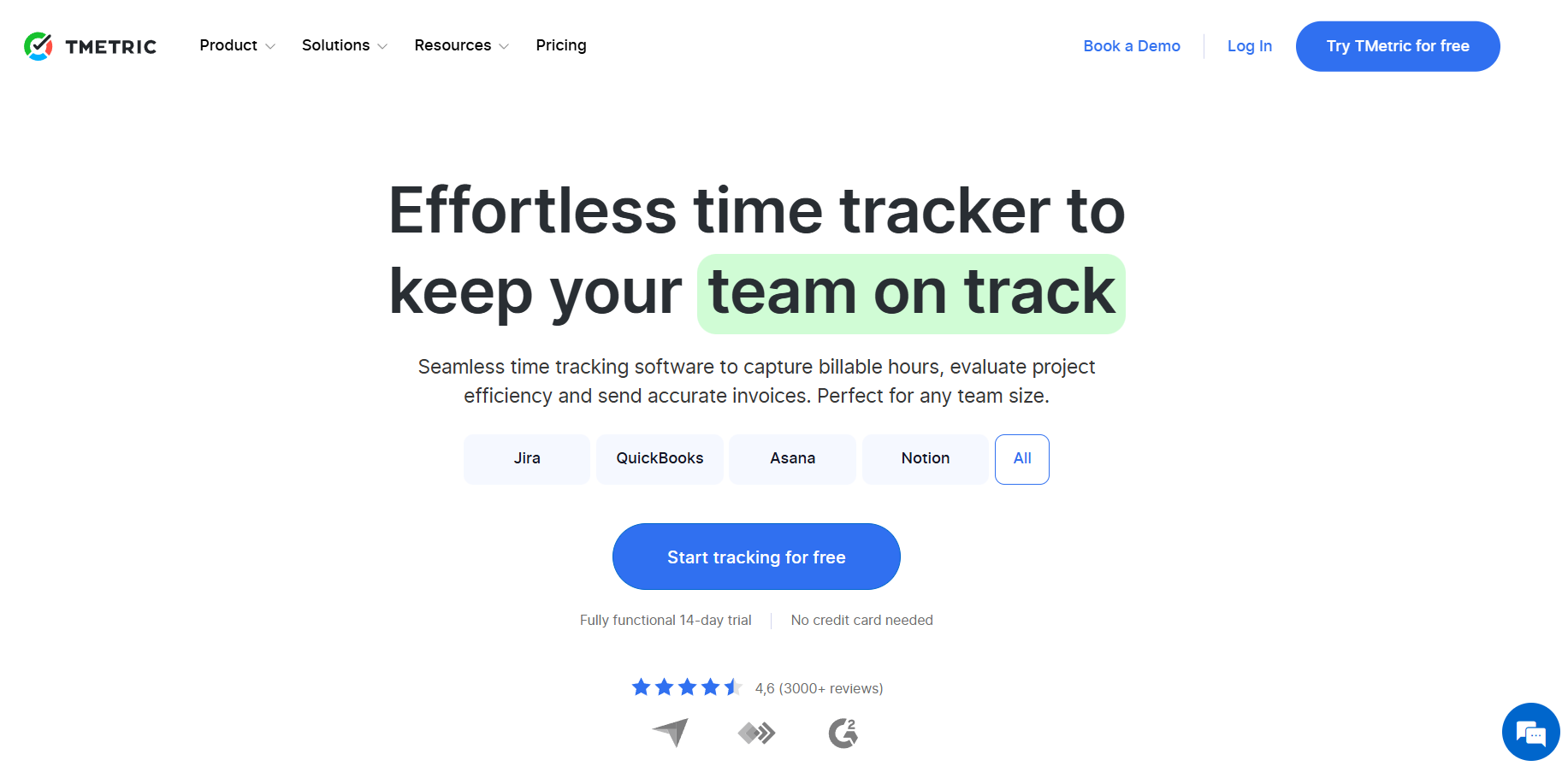
Why it’s here: TMetric leads the category as a versatile timesheet app that balances simple tracking with rich reporting and project control.
What it offers
Automatic timer + manual entry; works in browser, desktop, and mobile.
Unlimited clients, projects, and tasks on flexible plans.
Detailed timesheets with billable rates, project budgets, and export to CSV/PDF.
Integrations with project management apps like Asana, Trello, ClickUp, and more.
Forecast warnings when projects near budget limits.
Pricing
Free tier - core tracking and unlimited projects.
Pro - adds budgeting, invoicing, and advanced reports.
Business - includes screenshots, payroll features, and time off.
Quick pros & cons
Pros: Powerful free tier, rich invoice/report features, 50+ integrations.
Cons: Mobile offline functionality varies by platform.
Bottom line: Best timesheet app for teams and freelancers who want accurate time tracking with powerful project insights.
Clockify → Best Free Forever Option
Reliable tracking without the price tag
What it offers
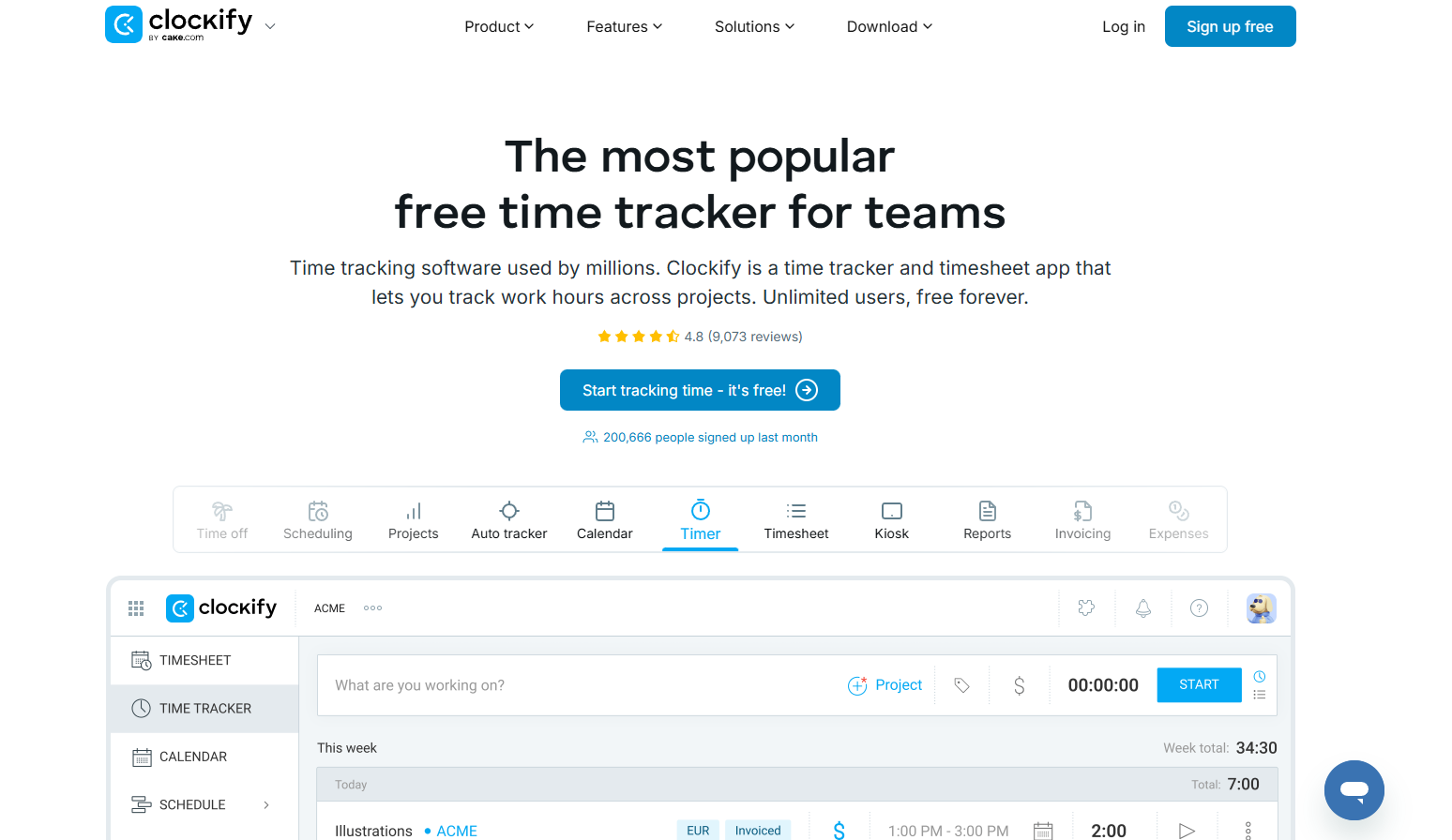
Track time via live timer or manual entry.
Works offline on mobile and desktop.
Unlimited users and projects on the free plan.
Simple reports and PDF/CSV exports.
Pricing
Free - unlimited tracking.
Paid tiers for advanced reporting and team management.
Quick pros & cons
Pros: Truly free, easy setup, unlimited users.
Cons: Mobile interface feels basic to some.
Bottom line: Great choice for teams on a budget or anyone who wants straightforward timesheets.
Harvest → Best for Billing & Expense Tracking
Track time and get paid fast
What it offers
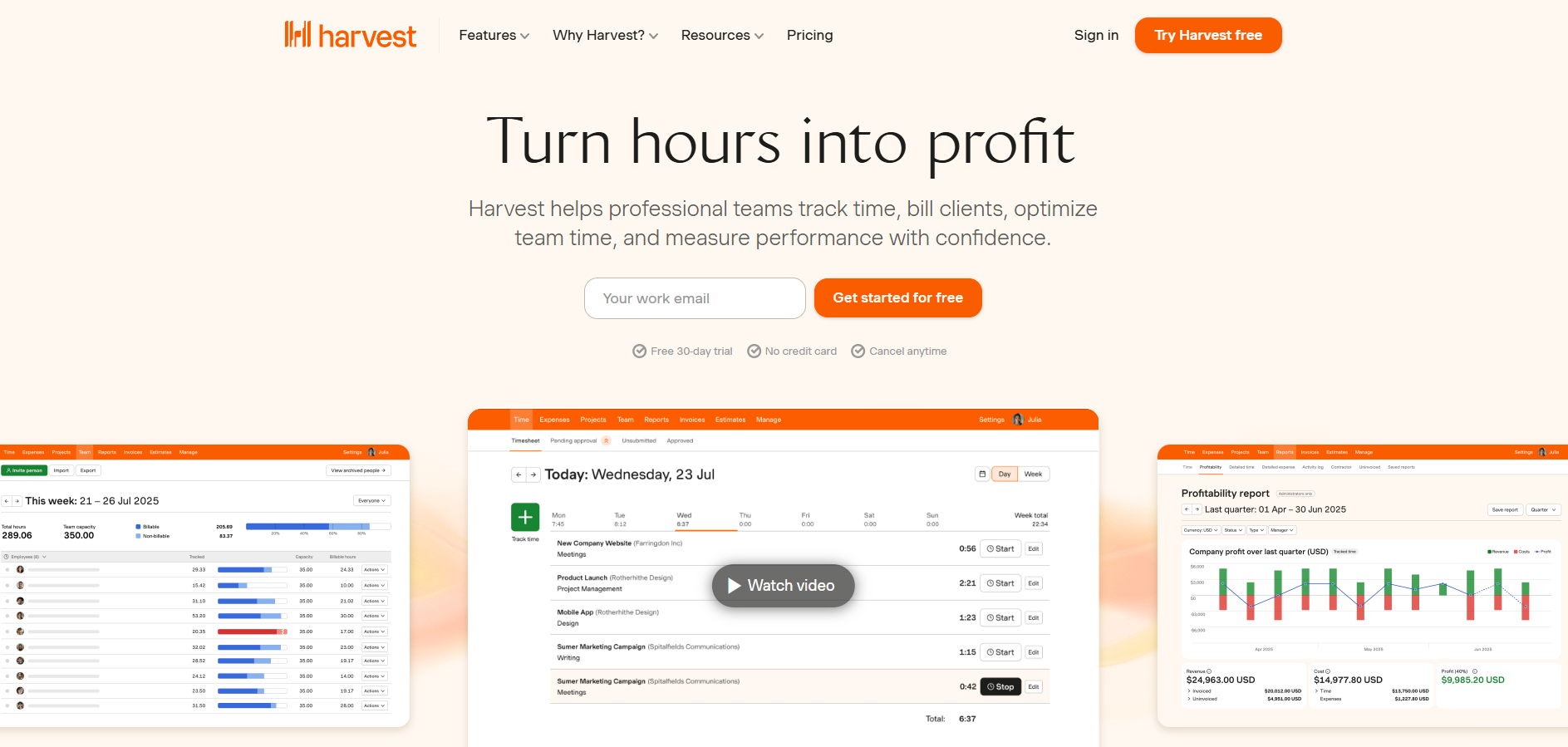
Snap expenses and generate branded invoices.
Time tracking on any device.
Integrates with tools like QuickBooks, Slack, and project apps.
Pricing
Free tier with basics, paid plans unlock invoicing and deeper analytics.
Quick pros & cons
Pros: Easy billing workflow and clean interface.
Cons: Pricing can be higher for advanced features.
Bottom line: Ideal for small teams or freelancers who value quick billing and expense capture.
TimeCamp → Best for Semi-Automated Tracking
Smart rules for automatic timesheets
What it offers
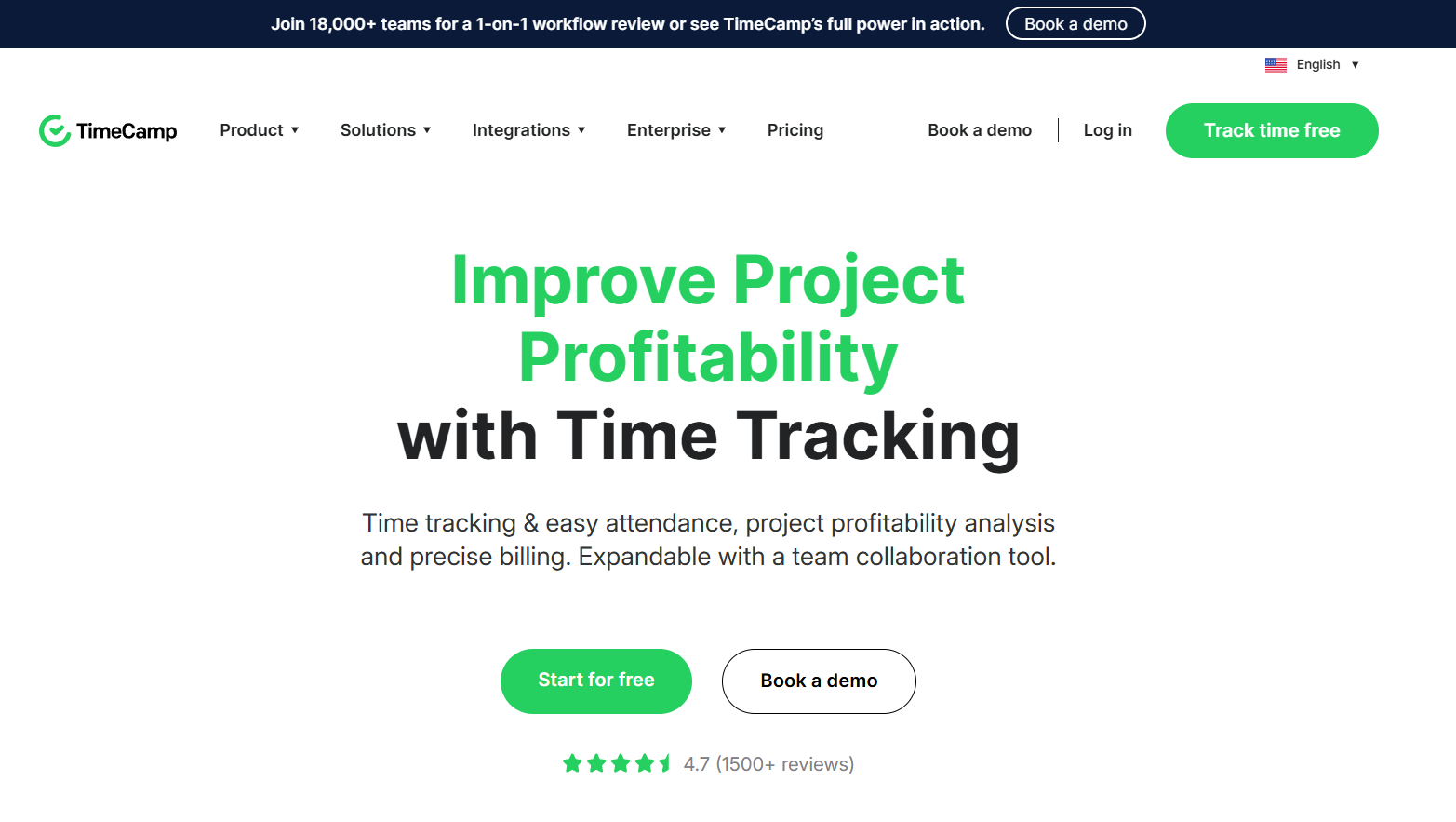
Automatic time capture based on activity and rules.
Simple timesheet and report views.
Integrates with popular tools.
Pricing
Free base plan; advanced analytics in paid tiers.
Quick pros & cons
Pros: Reduces manual time entry with rule-based capture.
Cons: The interface is functional but less polished.
Bottom line: A good option if you want less manual entry but still clear timesheets.
How to Choose the Right Timesheet App
Match your workflow - Do you prefer timers, manual entries, or automatic tracking?
Check integrations - The app should connect to your calendar, billing, or project tools to reduce double entry.
Try free versions first - Real work scenarios (e.g., 10 hours logged, one invoice created) reveal the real experience.
Final Thoughts
Timesheet apps are no longer simple clocks; they’re engines of visibility, productivity, and billing accuracy. Whether you’re a freelancer managing clients or a team tracking multi-phase projects, starting with the right app will save hours every month.
Start with TMetric’s free plan to track your first 40 hours and see how it transforms your workflow - time well spent is money earned.